Why MARS AI

A team that turns problemsinto product languageA team that turns problems into product language

Good products are not finished by adding technology.A real product starts by reading the user's concern, then turning it into screens, data, AI flows,and an operating structure that can actually be used.Good products are not finished by adding technology. A real product starts by reading the user's concern, then turning it into screens, data, AI flows, and an operating structure that can actually be used.

Request Interpretation

Before building features, MARS AI translates the request's context into product structure.

The same request can lead to different results. That is why MARS AI asks why it is needed and where it will be used before deciding what to build.

Field request

We want to record field notes more easily.

Feature-first handoff

Turn it straight into a feature list

What should we build?
  1. 1

    Feature list

    Requested functions are listed first.

    • Create record
    • Edit
    • Search
    • Export
  2. 2

    Function-level design

    The work is split into screens, buttons, and functions.

    • Screen
    • Button
    • Feature
    • UI
  3. 3

    Development

    The defined functions are implemented.

  1. A product that needs repeated explanation

    Context and operating rules appear late, so revisions and communication keep repeating.
Problem translation

Translate the problem into product structure

Why is it needed? Where will it be used?
  1. 1

    Problem structuring

    We read the problem and context behind the request.

    • Usage context
    • Decision flow
    • Workflow
    • Data
    • Operation
    • AI point
  2. 2

    Product structure design

    We design the screens and flows around the work itself.

    • Screens
    • Data
    • Workflow
    • Rules
    • AI Workflow
  3. 3

    Development

    The product is implemented from the structure.

  1. A product that is easier to improve

    Operating rules and data remain connected after launch, so the product can keep improving with real work.

Two perspectives

We read the same problem from two sides.

MARS AI's strength begins with not reading a problem from only one side. Our CEO, who understands business and usage context, and our CTO, who designs technology and systems, define the same problem together and turn it into a product.

CEO

Hyunyoung Park

Perspective

Reads the field language first.

This perspective catches what customers worry about, where decisions slow down, and where the user's real context gets lost.

  • Client decisions
  • Estimate and site flow
  • Field language and bottlenecks
CTO

Junghyuk Yang

Perspective

Rebuilds it as a workable structure.

This perspective designs input data, processing flow, interface, AI workflow, and operating rules into a structure the product can actually run on.

  • Implementation feasibility
  • Data and AI design
  • System architecture

What We Translate Into

Four scopes, matched to the problem.

Web/app products, AI workflows, data operating structures, and digital transformation roadmaps. MARS AI first defines the scope that fits the problem.

Custom web / app development

Turn a rough app idea or existing workflow into user journeys, screens, data, and operating rules that can be built.

  • User journey
  • Screens and data
  • Operating rules

Service Blueprint

ClientClient + MARS AIMARS AI
1. Inquiry
2. Discover
3. Structure
4. Build
5. Launch
6. Improve
Evidence
Intake formAttachments
Meeting notesProblem memo
Solution BriefWireframe
Demo URLTest account
Launch noteUser guide
Operation reportBacklog
Customer Journey
Request sharedPain point shared
Goals sharedConstraints explained
Screen flow review
TestingFeedback
Real-use start
Real-use feedback
Line of Interaction
Frontstage
Inquiry checkFirst response
Discovery CallQ&A
Proposal reviewScope alignment
Demo SessionFeedback review
OnboardingUsage guide
Operation communication
Line of Visibility
Backstage
Initial context triage
Problems · bottlenecks · priorities
UX · data · permissions · operation flow
Develop · integrate · QA · revise
Deploy · handover · early monitoring
Analyze usage dataPlan improvements
Line of Internal Interaction
Support Processes
Request logFile storage
Requirement templateReference board
Data Model·APIFeature Blueprint
Repository · StagingIssue Log
DeploymentLoggingAnalytics
Usage LogsAnalyticsBacklog
View details

AI solution development

Separate repetitive work, document review, and response flows into the decisions AI can support and the checks people should keep.

  • Work scenario
  • AI workflow
  • Review standards

AI Use Case Canvas

Use Case Frame

  • Work TargetWhich repeated work should shrink?

    Choose the repeated classification, review, or drafting work that takes time today.

  • Review OwnerWho reviews the result?

    Decide who reviews, edits, and approves AI output before it is used.

  • Result LandingWhere should the result land?

    Define whether the result is saved, sent as a notice, reported, or moved to the next step.

AI Decision Flow

Corrections and exception cases

Input

What the system reads

  • Documents
  • Images
  • Tables
  • Records
  • API

Prediction

What AI infers or drafts

  • Classify
  • Extract
  • Summarize
  • Generate
  • Recommend

Judgment

How people review

  • Review
  • Edit
  • Approve
  • Handle exceptions

Action / Outcome

How it remains in work

  • Save
  • Notify
  • Report
  • Next step

Guardrails

Confidence · permissions · failure handling · reprocessing rules

View details

Data management upgrade

Turn scattered documents, records, and work history into classification rules, permissions, input standards, and usable views.

  • Classification
  • Permission state
  • Usable views

Data Operating Model

01Inventory

What data exists

05Activation

Where the data is used

Data Governance

Who manages data and by which rules

  • Owner
  • Policy
  • Access
  • Change
Operating Loop
02Model & Metadata

How it should be structured

03Ownership & Access

Who manages and accesses it

04Quality Controls

How trust is maintained

View details

Digital transformation consulting

Use the current work and systems to decide what should become an app, AI workflow, or data structure first.

  • Workflow diagnosis
  • Priorities
  • Roadmap

Target Operating Model

Current Operating Model

  • User Outcome
    • Slow result checks
    • Different guidance by owner
    • Unclear request status
    • Split inquiry channels
  • Process
    • Repeated input
    • Duplicate approval
    • Manual collection
    • Repeated rechecks
  • Roles
    • Owner-dependent work
    • Unclear approval rights
    • Split operating ownership
    • No backup owner
  • Data / Systems
    • Scattered data
    • Disconnected systems
    • Manual reporting
    • No version control
  • Governance
    • Limited operating metrics
    • No change rules
    • Delayed performance checks
    • No review cadence

Gap Analysis

  • delay
  • duplicate
  • manual
  • unclear
  • unmeasured

Target Operating Model

  • User Outcome
    • Shared result criteria
    • Shorter confirmation flow
    • Fixed status updates
    • Clear response rules
  • Process
    • Fewer steps
    • Defined automation points
    • Separated exception flow
    • Fixed critical path
  • Roles
    • Roles and ownership
    • Decision rights
    • Named ops owner
    • Published approval rules
  • Data / Systems
    • Source of truth
    • System links
    • Automated reporting
    • Role-based views
  • Governance
    • Operating rules
    • Monitoring criteria
    • Change history
    • Improvement cadence

Capability Map

  • Workflow
  • Decision rights
  • Source of truth
  • System links
  • Metrics

Initiative Portfolio Roadmap

  1. NOW
    • Operating baseline
    • Critical gap
    • Owner map
    • Metric rule
    • Data source
    • Current system
  2. NEXT
    • App MVP
    • AI workflow
    • Data foundation
    • Integration priority
    • Access design
    • Test criteria
  3. LATER
    • Automation scale
    • System links
    • Access / reporting
    • Rollout waves
    • Monitoring
    • Training plan
  4. HANDOFF
    • Runbook
    • Governance cadence
    • Ops ownership
    • Improvement backlog
    • Training handoff
    • Outcome review
View details

Case

Products that started from real problems

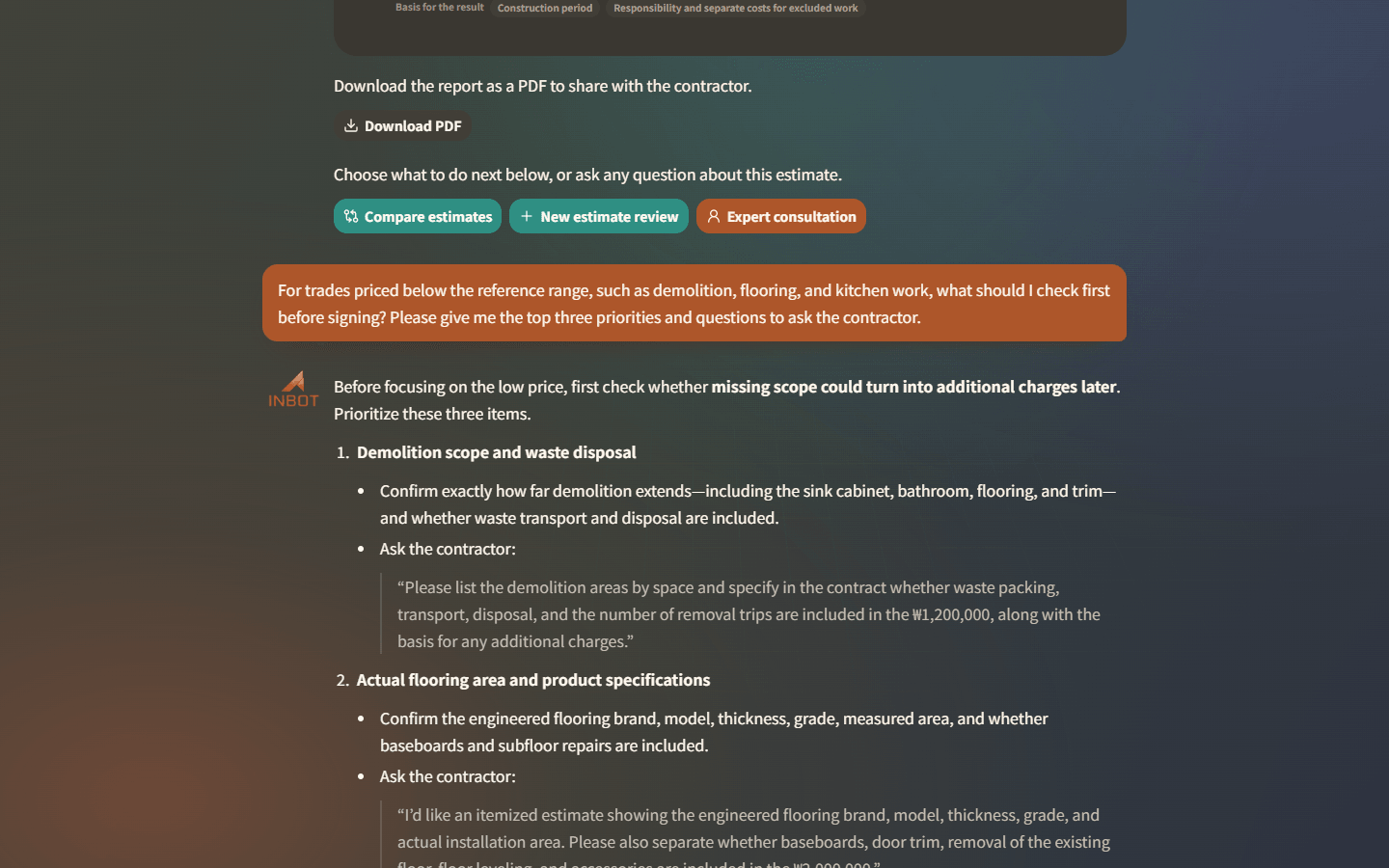
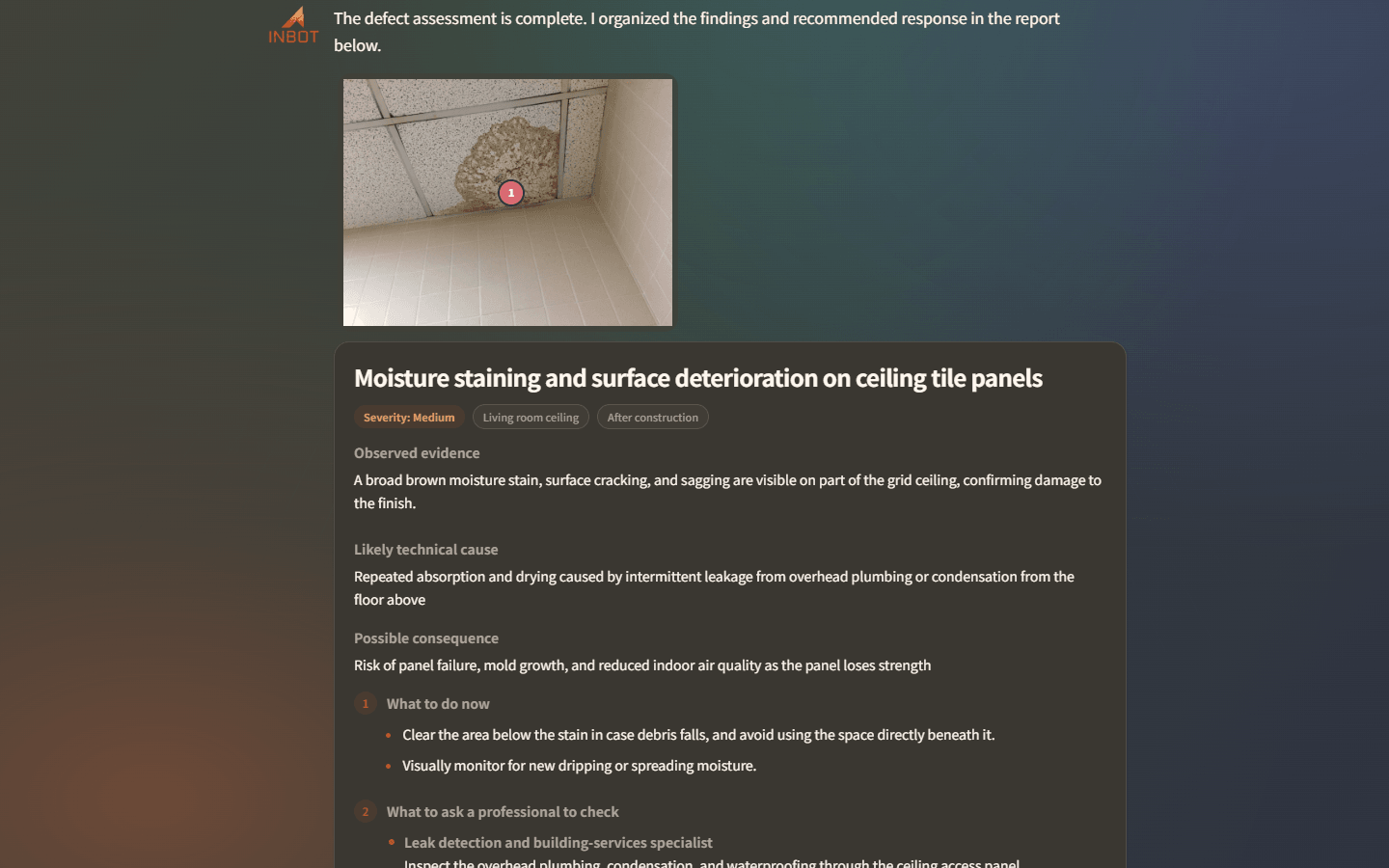
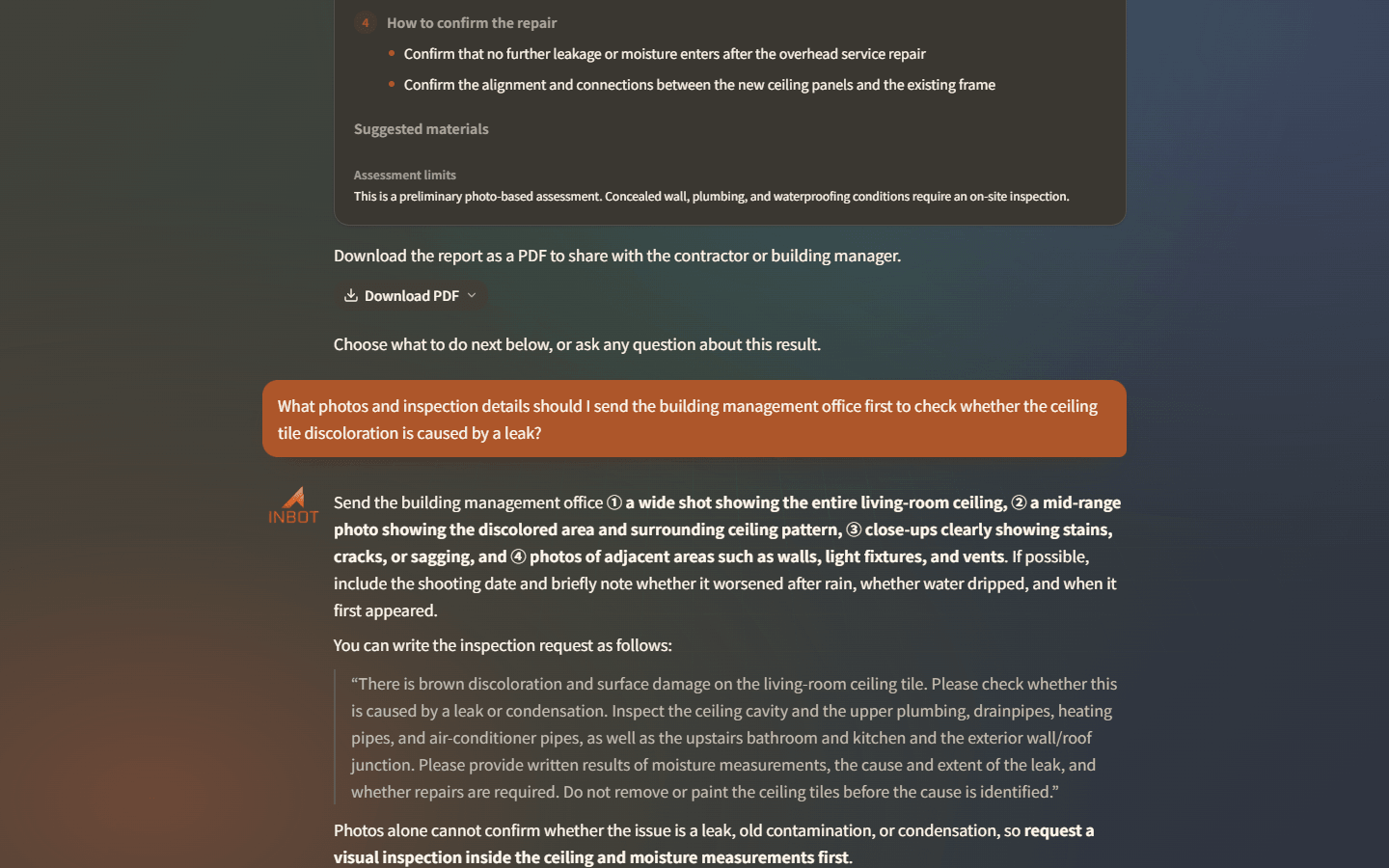
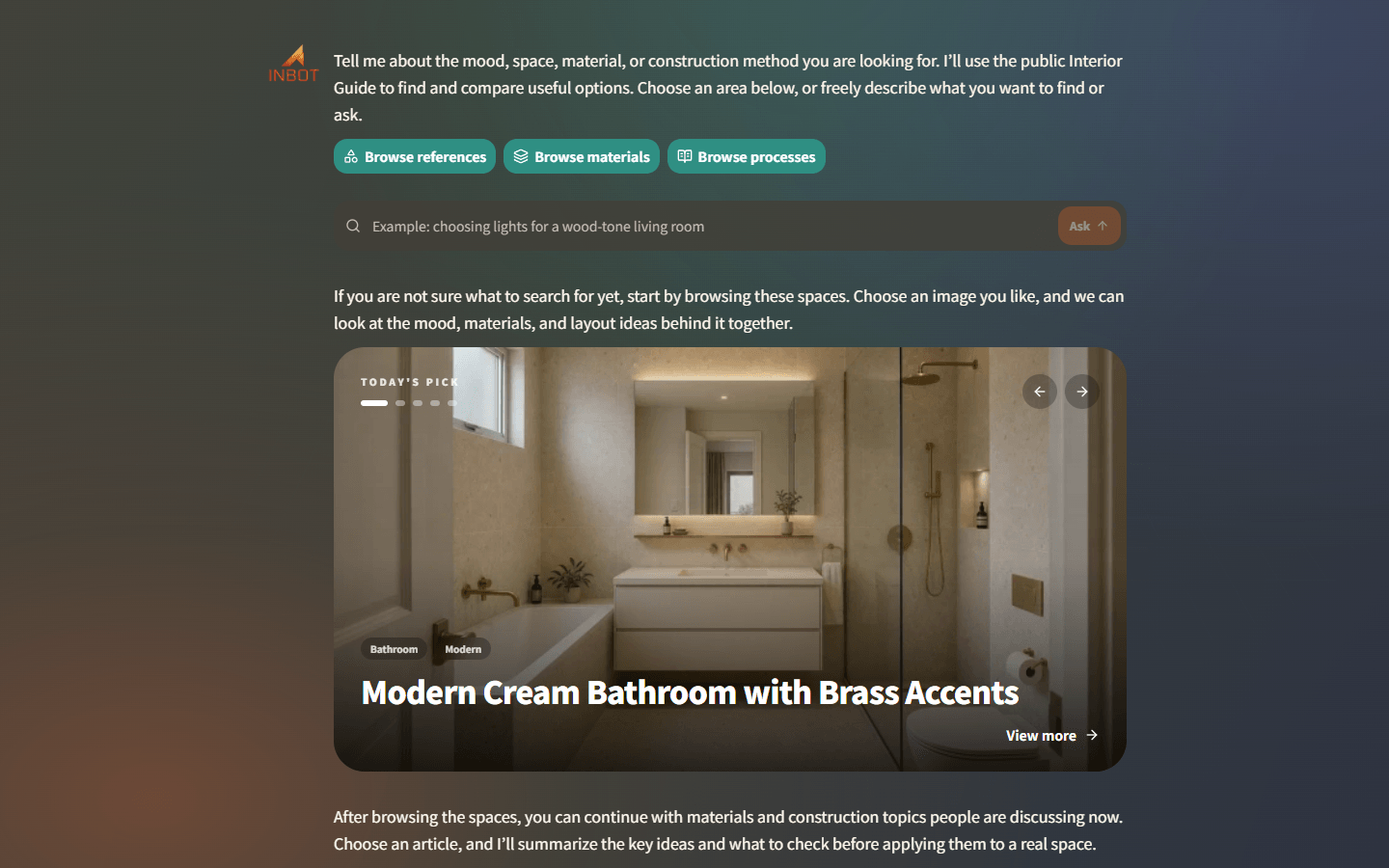
From interior AI products to field work tools and Unity guidance apps, MARS AI turns complex inputs and operating context into products people can actually use.

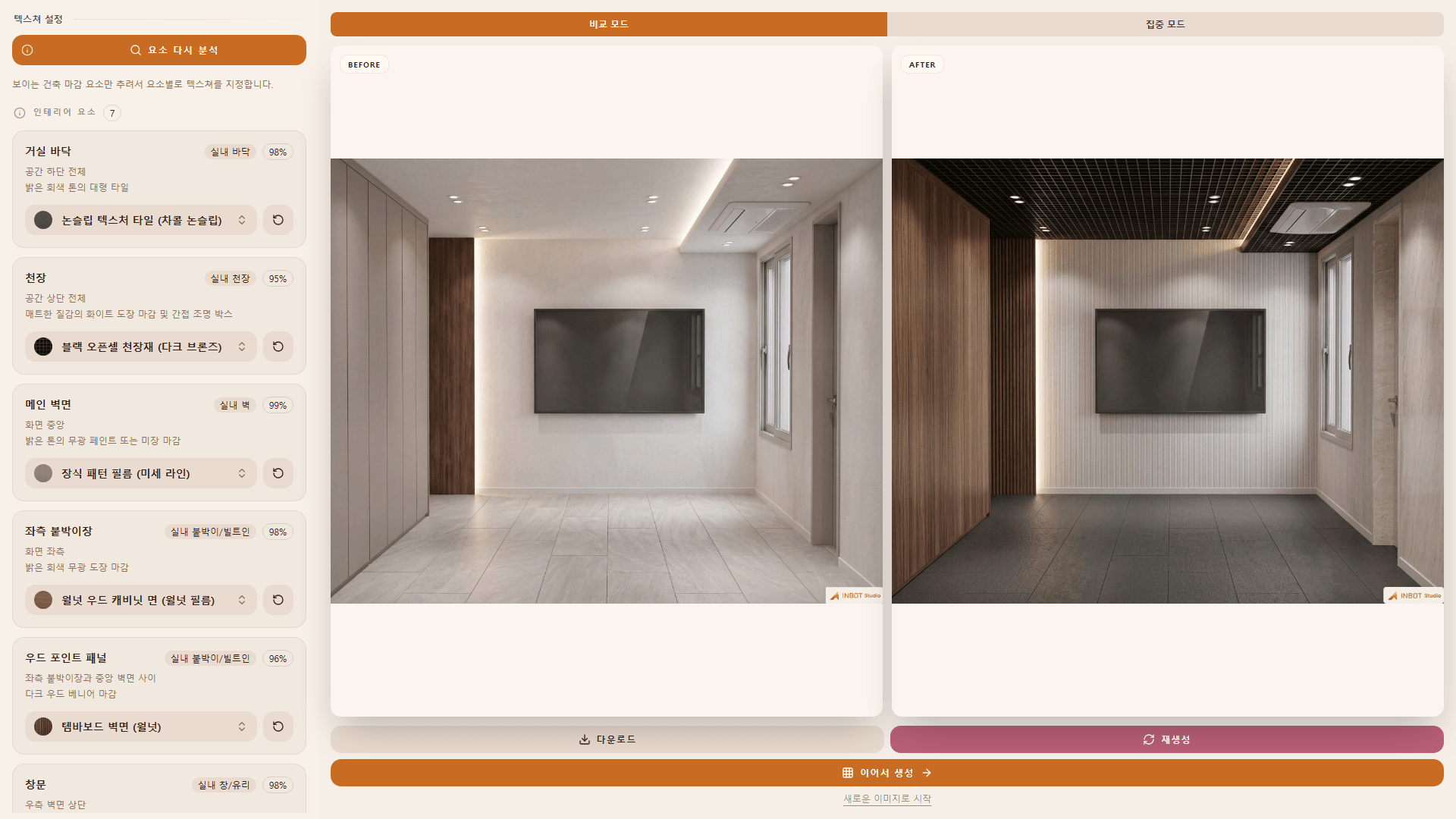
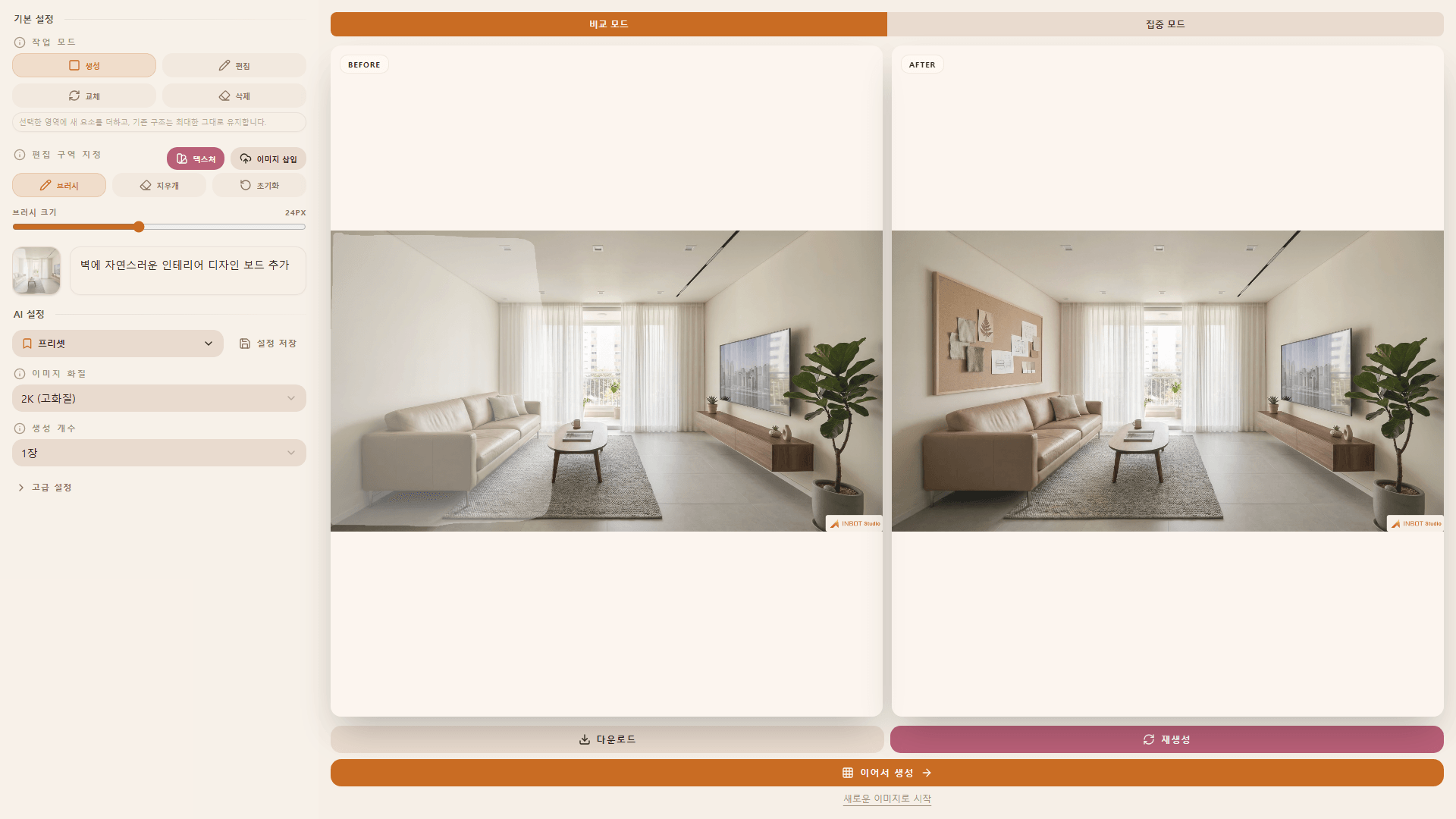
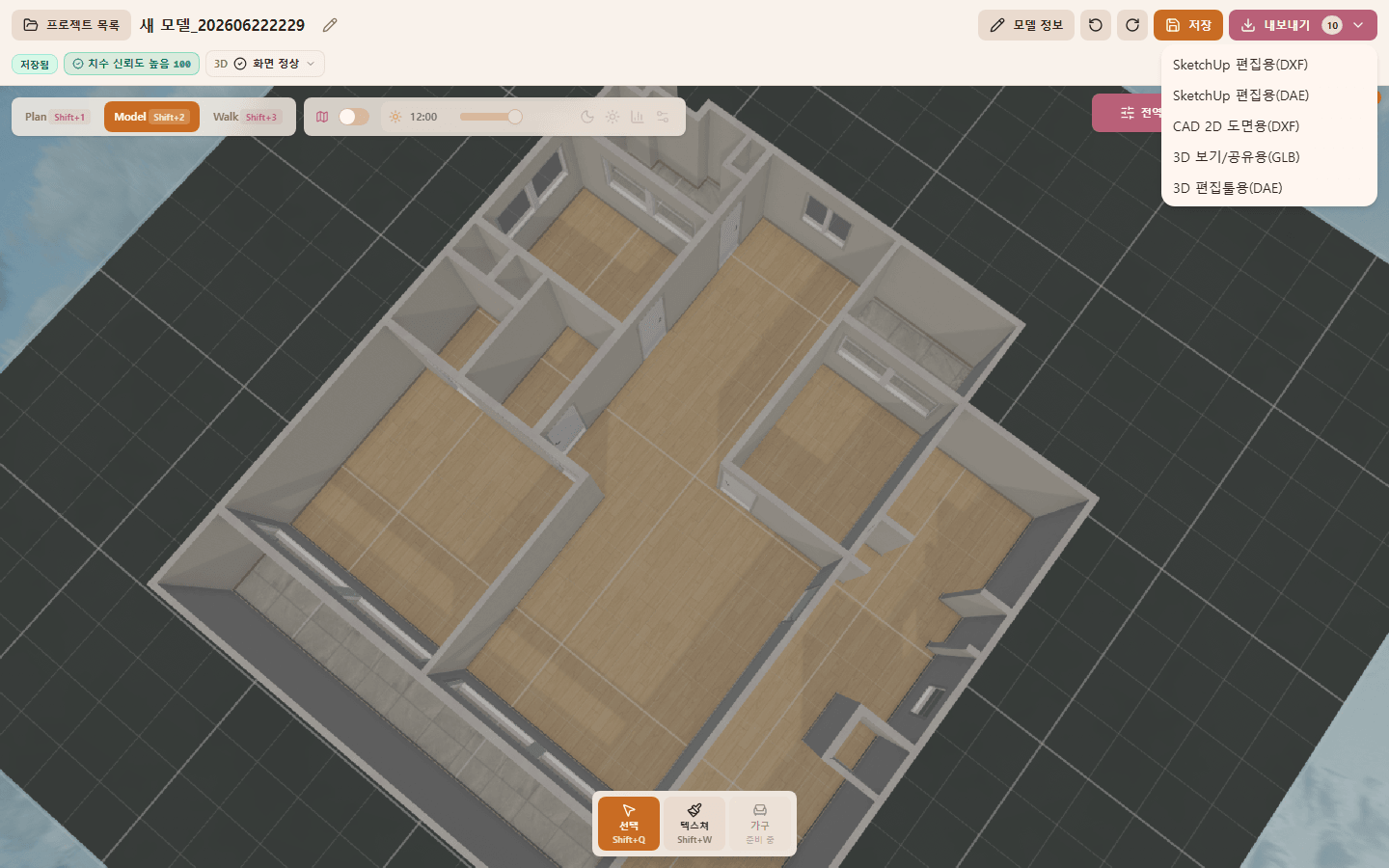
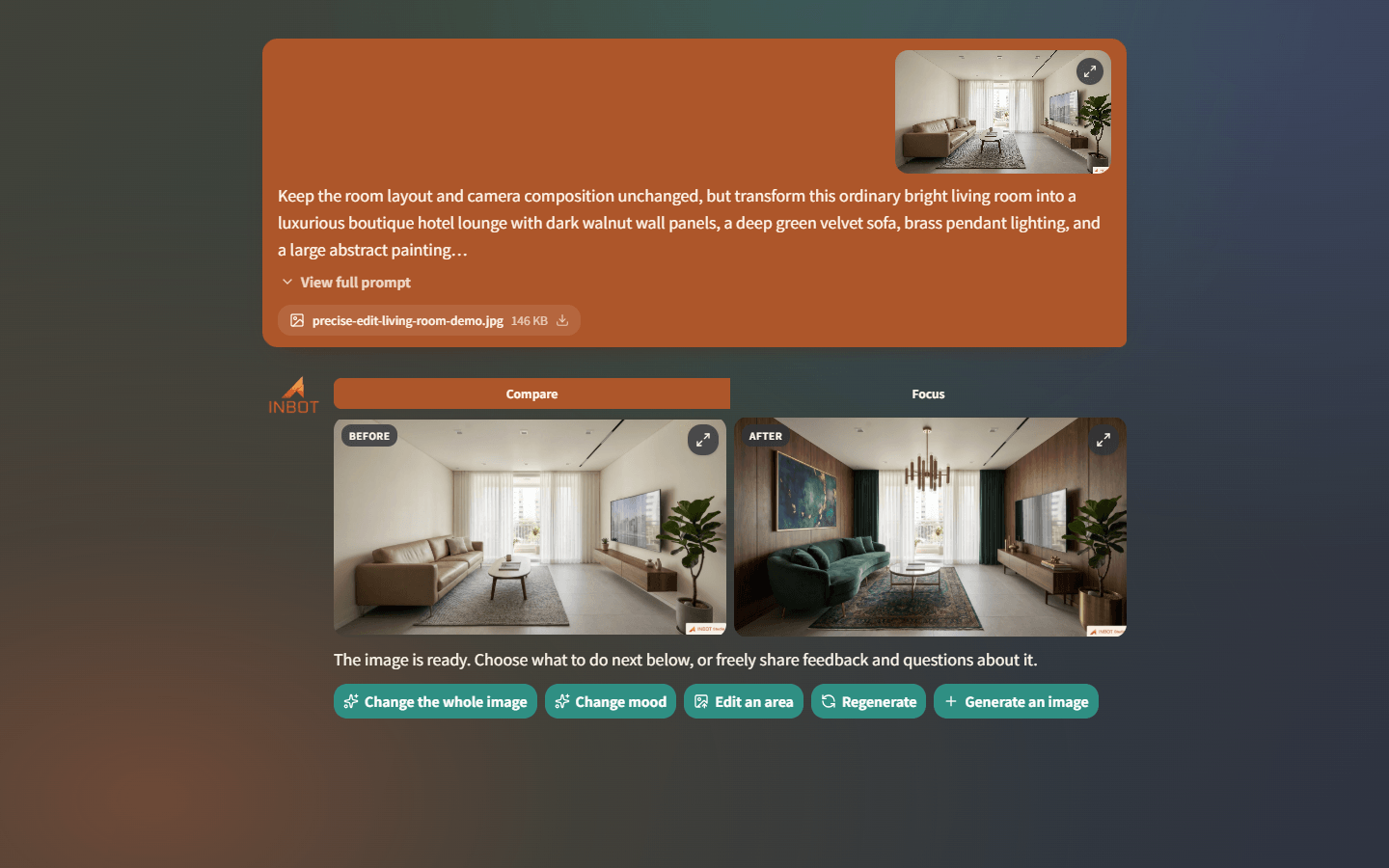
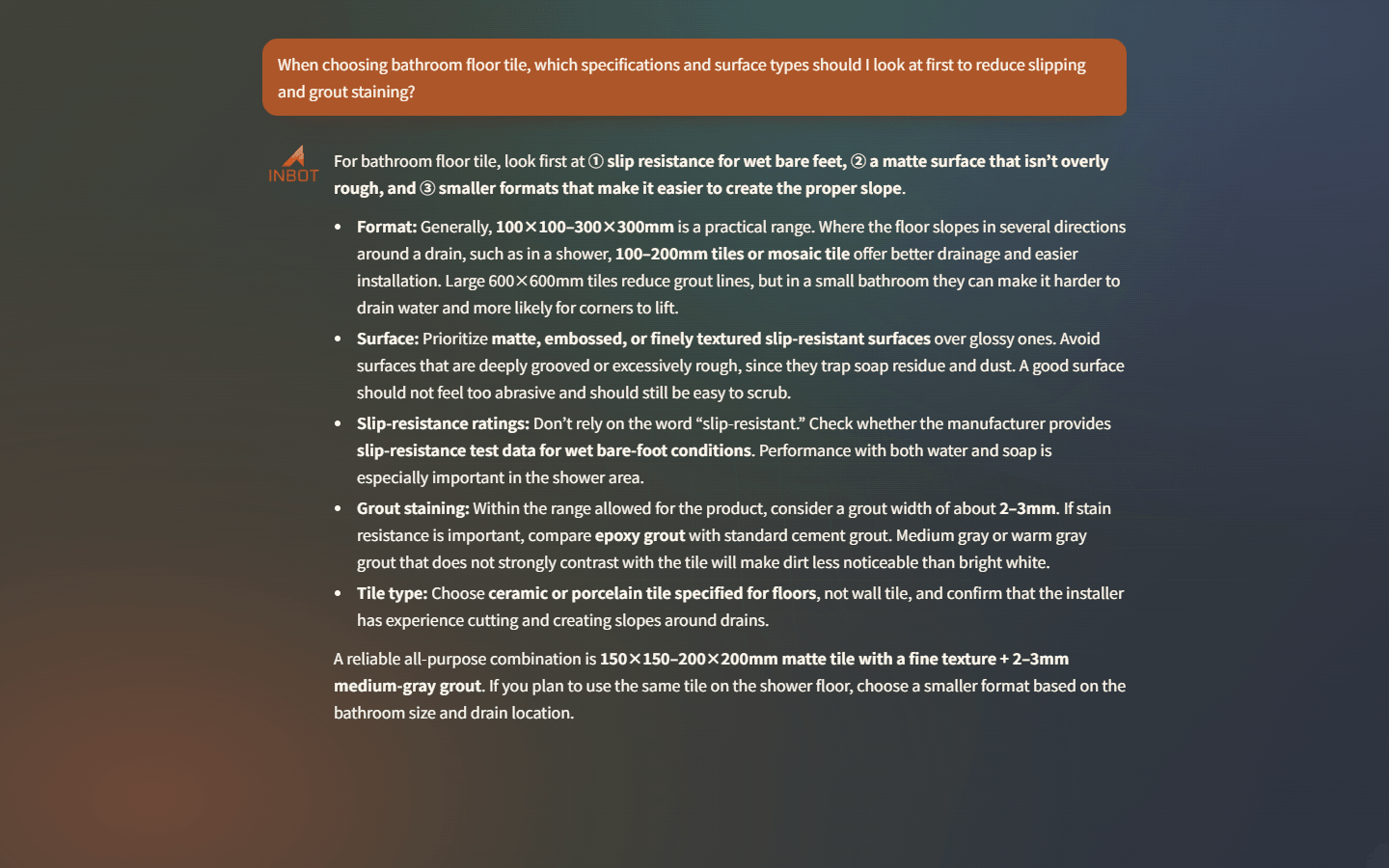
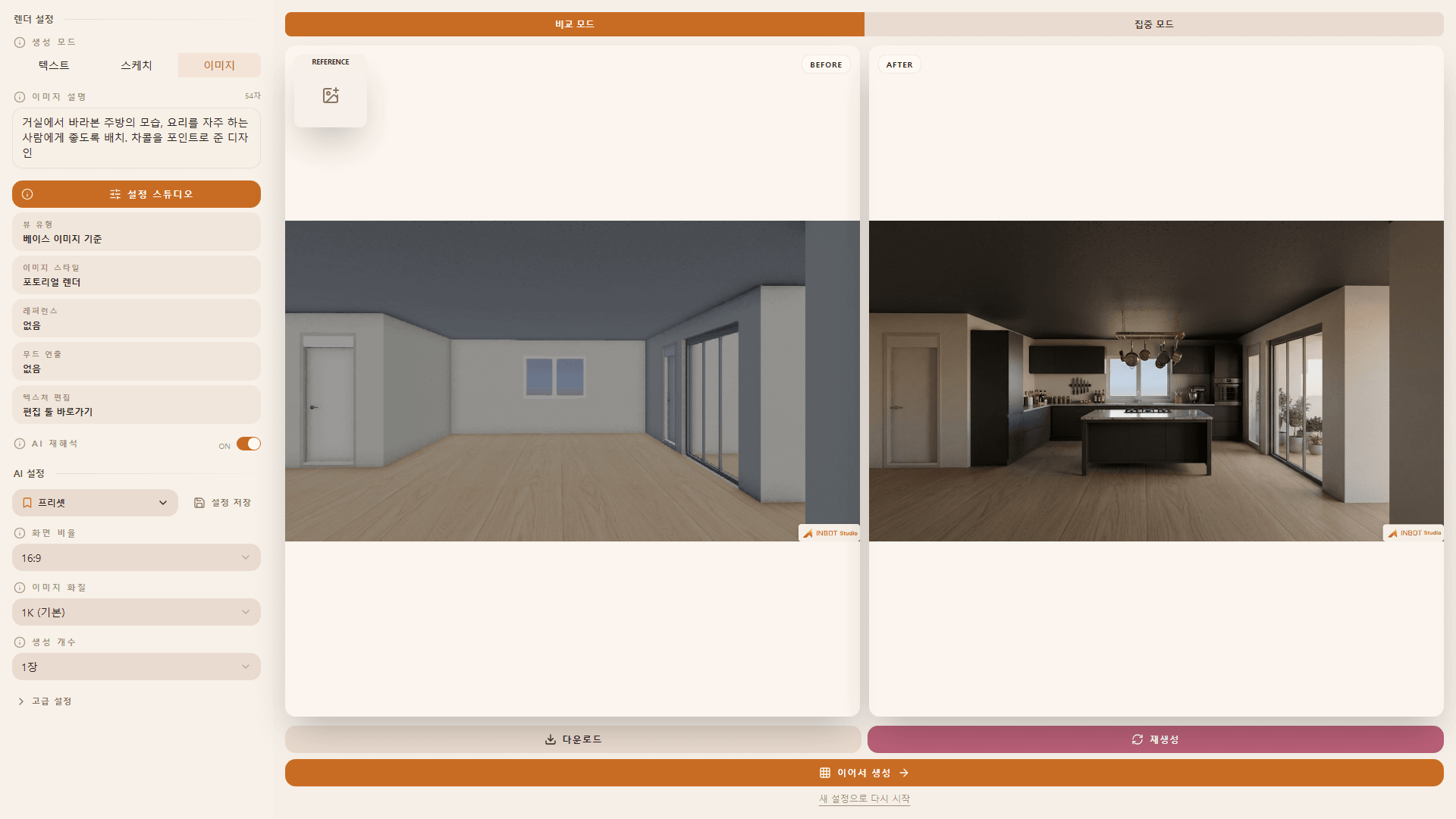
INBOT Studio rendering settings and result screen
Image rendering feature

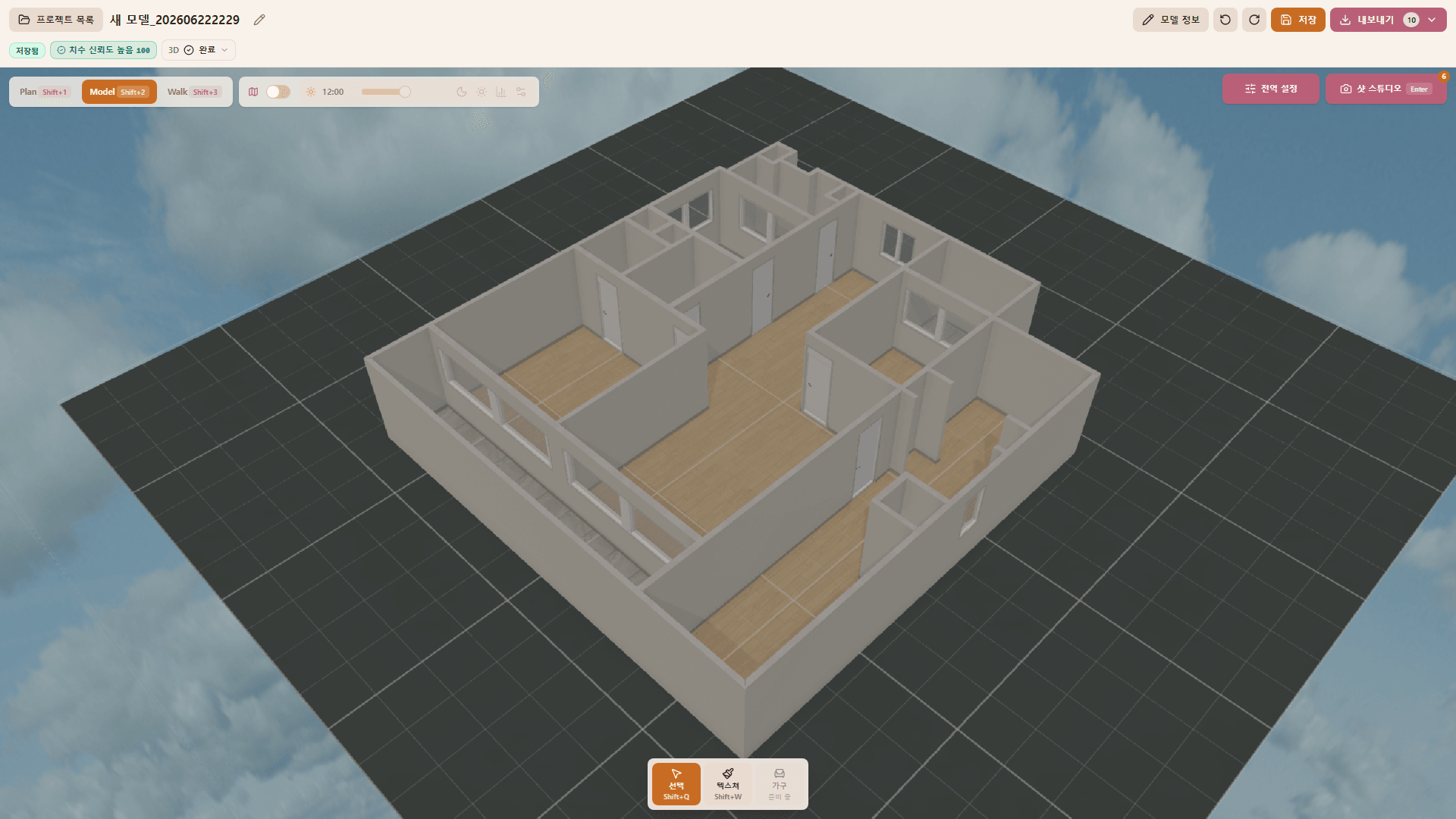
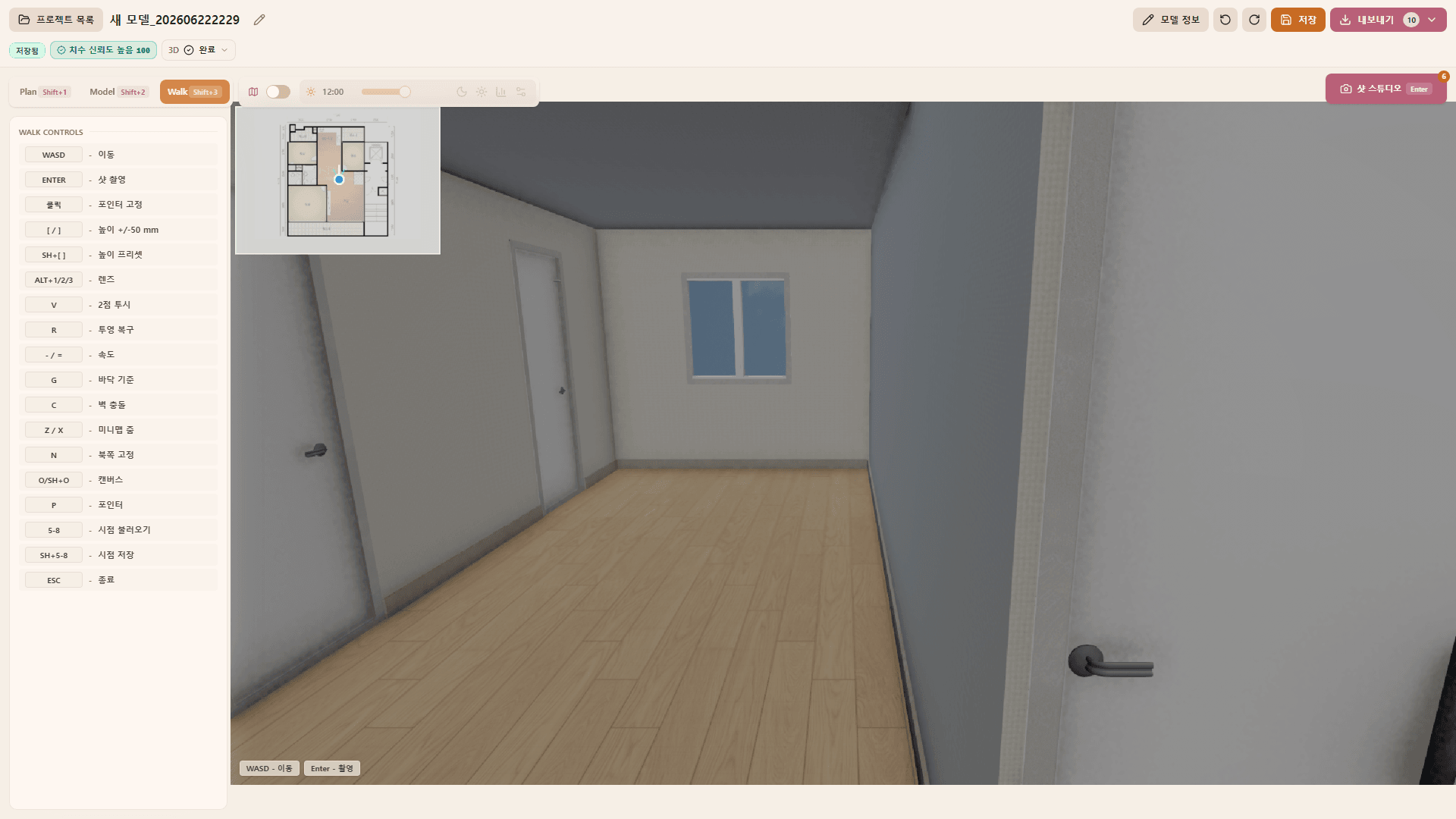
Professional interior AI studio

Released 2026.06

INBOT Studio

  • In-house product
  • PC
  • WebGL

A professional AI studio for floor-plan modeling, rendering, material comparisons, image editing, and result management.

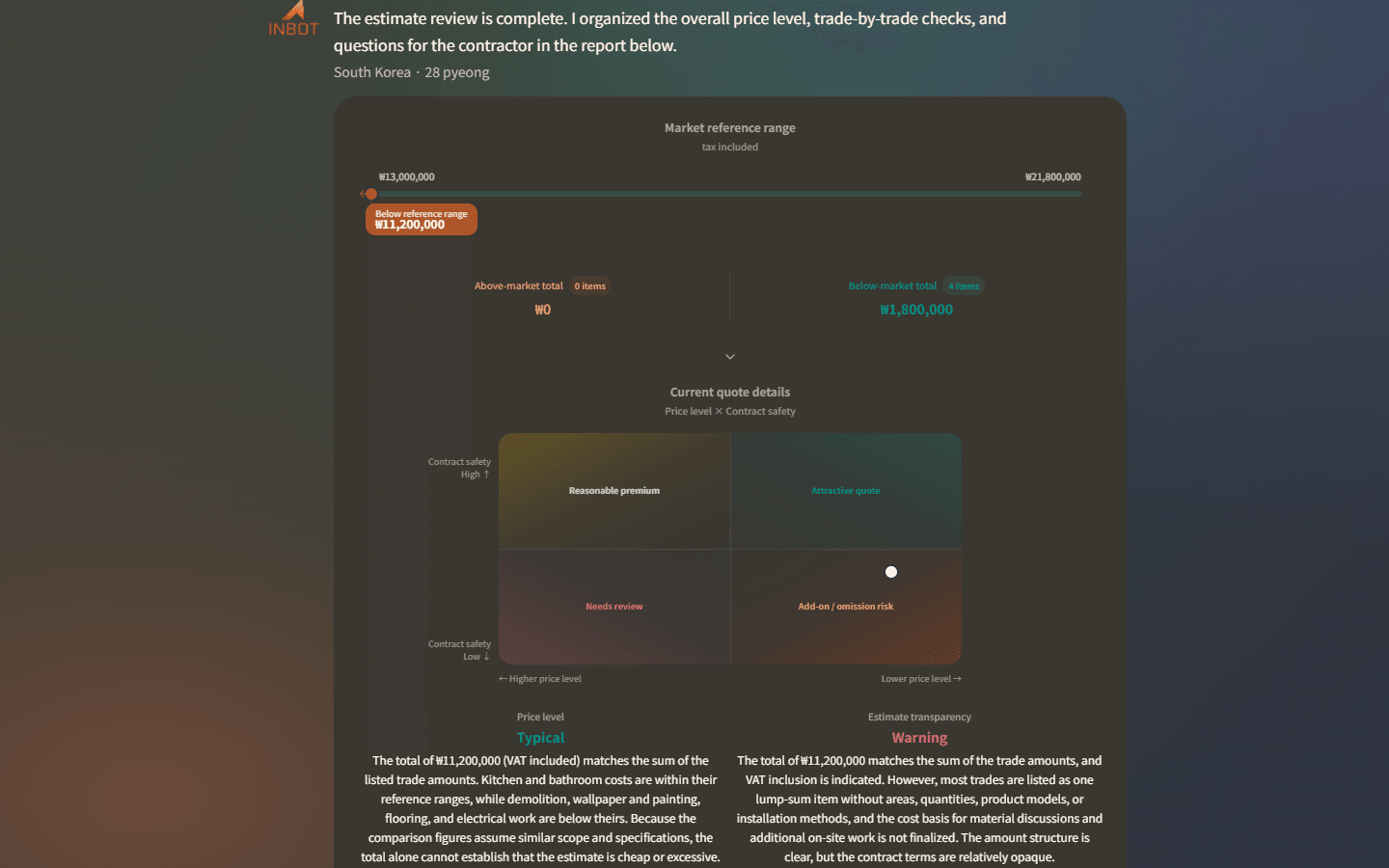
Estimate review

Consumer interior AI platform

Released 2026.06

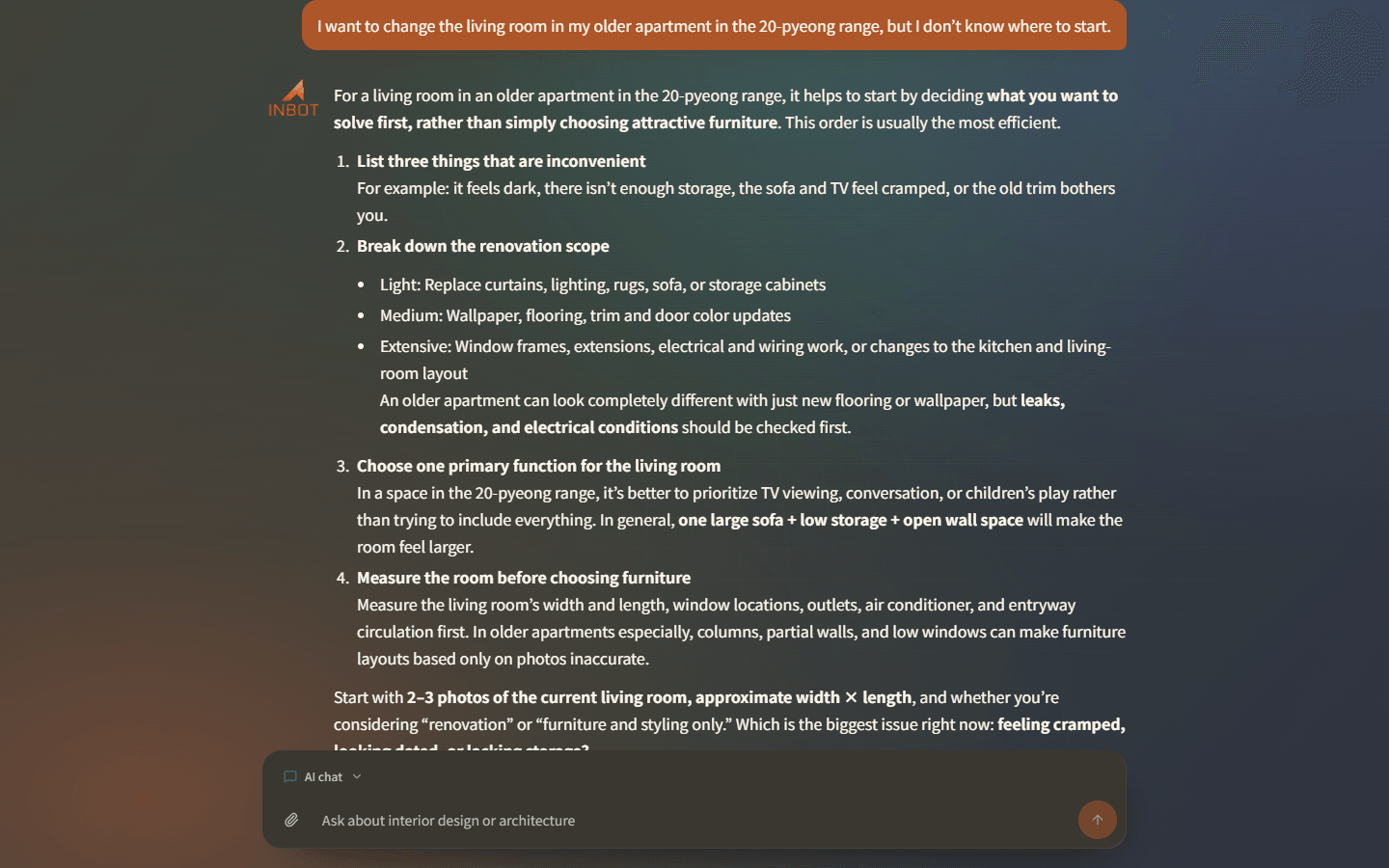
INBOT

  • In-house product
  • PC
  • Mobile Web

Review estimates, defects, simple simulations, and references before committing to an interior project.

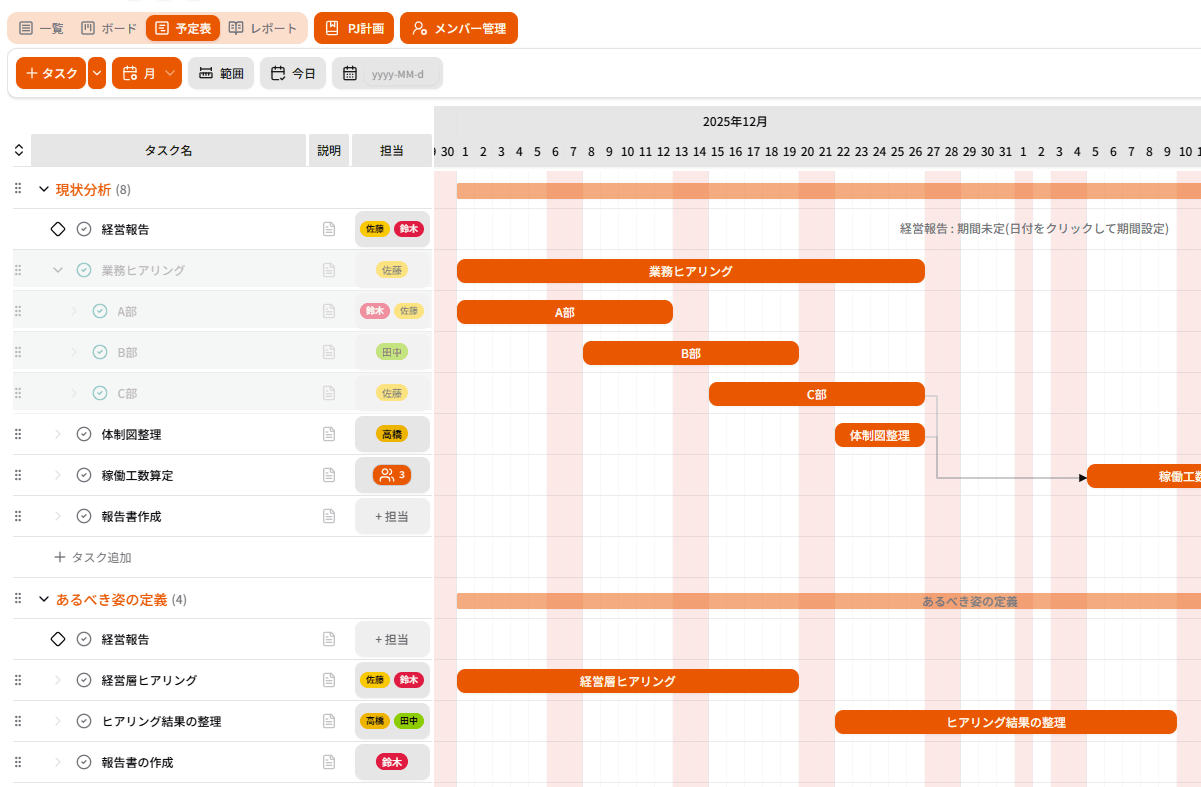
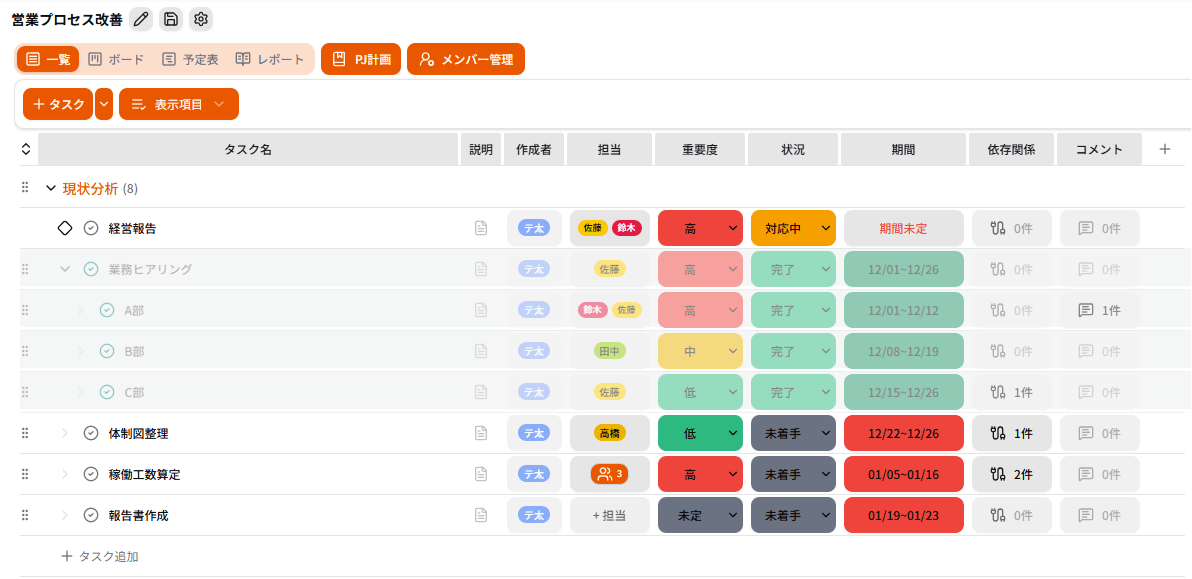
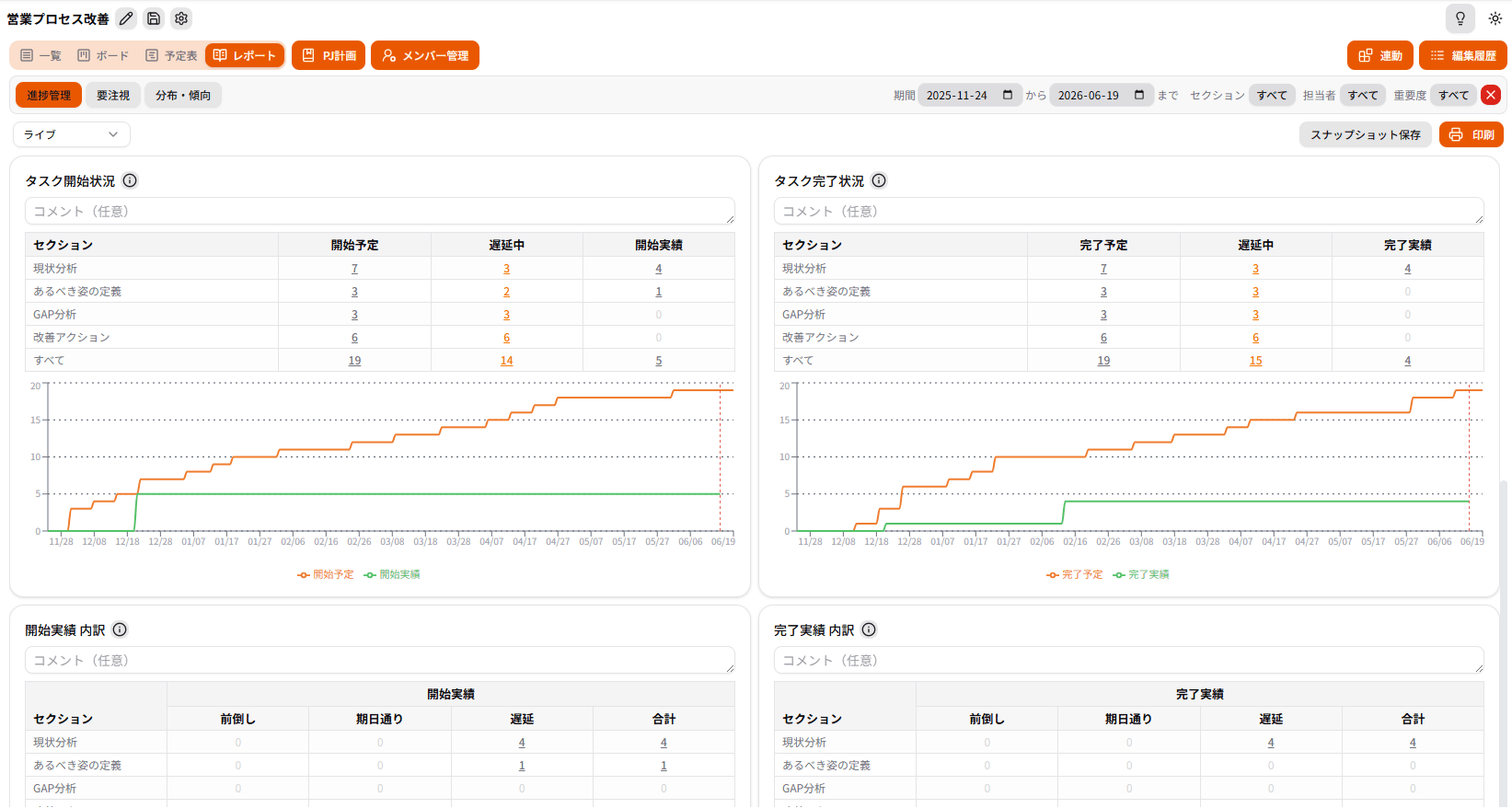
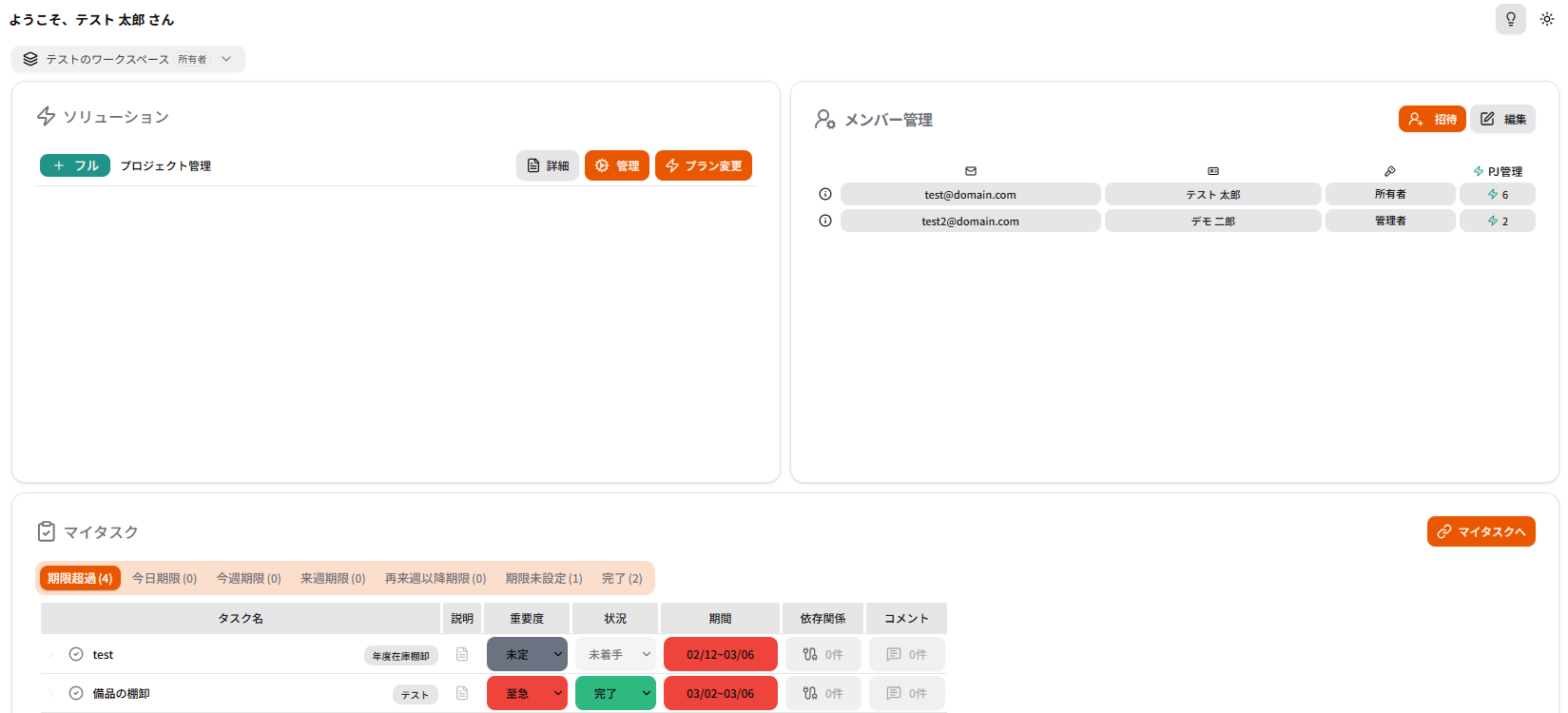
Racu main work management screen
Work home

Field-friendly work management

Released 2026.01

Racu

  • Client project
  • PC
  • Mobile

Lightweight, fast, and easy to use. Racu implements the essential features teams need, removes the noise, and stays welcome on site.

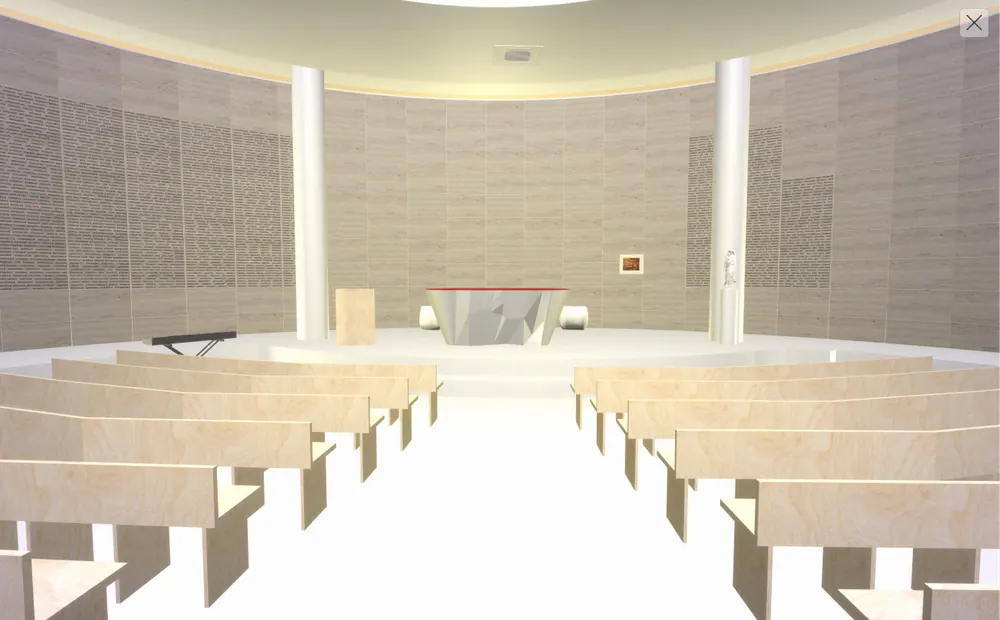
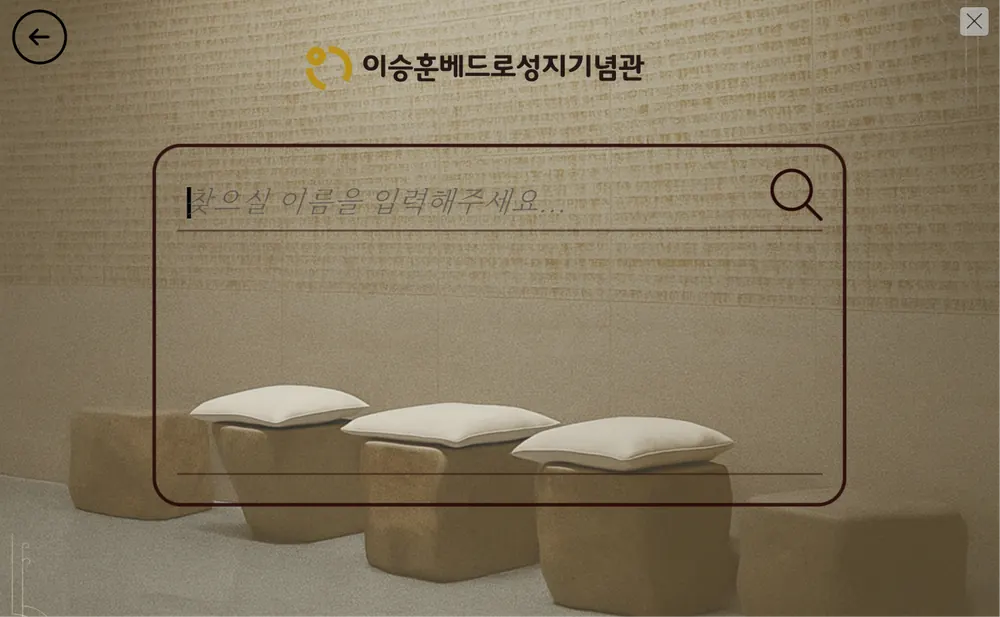
Wall Of Remembrance 3D chapel overview
3D spatial guide

Unity app case

Released 2025.08

Wall Of Remembrance

  • Client project
  • PC
  • Android
  • WebGL

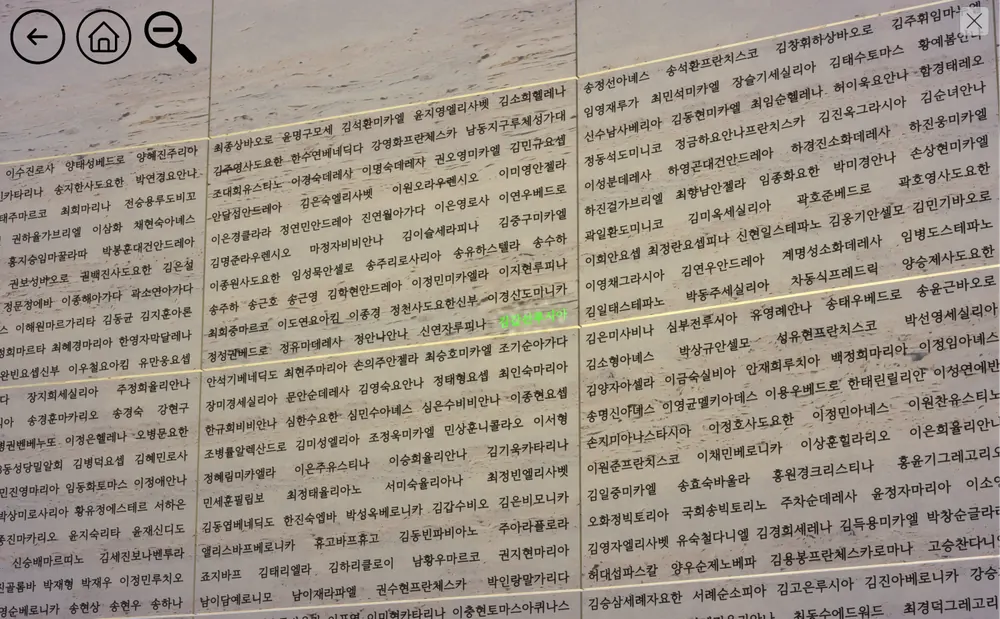
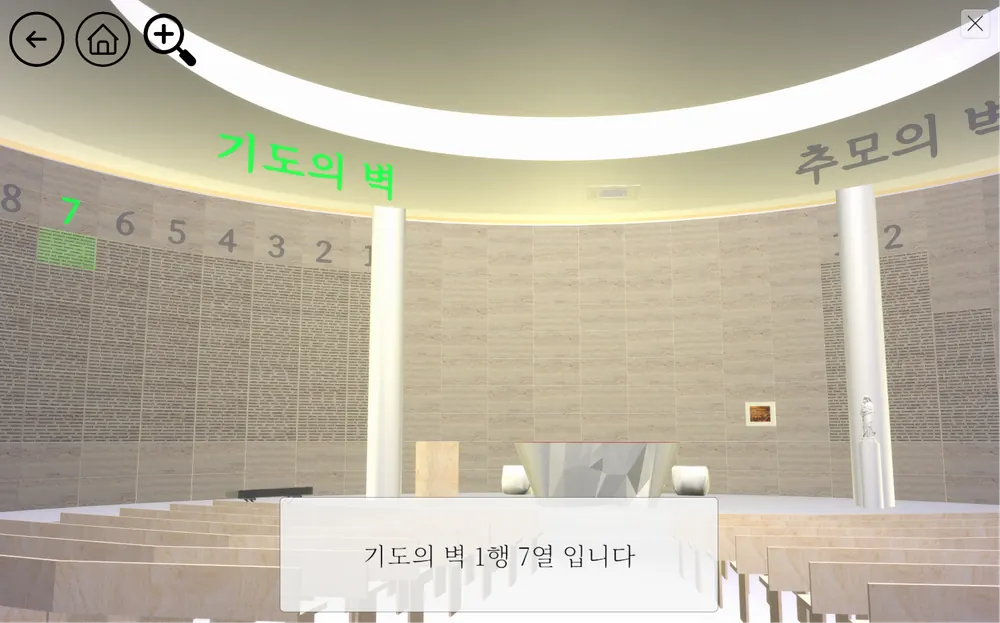
A space rebuilt from reality, for remembrance and prayer. We recreated the Prayer Wall and Memorial Wall of the Lee Seung-hun Peter Shrine Memorial Hall in 3D, so people can remember and pray from anywhere.

Contact Us

Ready to AccelerateInnovation?

If you have project ideas or technical questions, feel free to contact us. The MARS AI team will propose the best solution.

Email
planit@marsai.app
Phone
+82 10-5602-4959
Office
136, Sugiro, Gochon-eup, Gimpo-si, Gyeonggi-do, Korea